The online top-up system is currently unavailable.
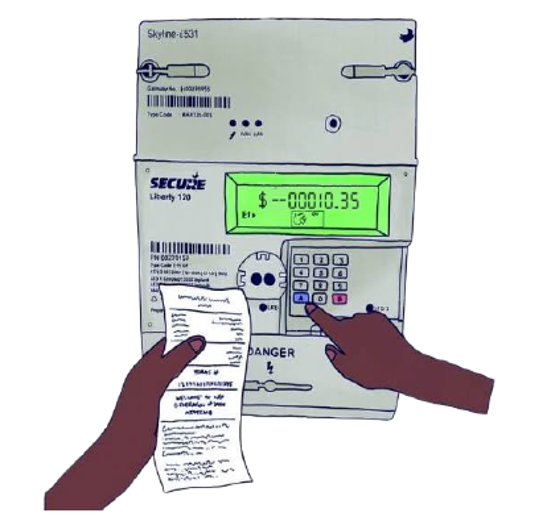
You can buy credit for your power box at your local community shop. You’ll receive a receipt with a 20-digit number that you need to enter into your power box.
What you need to do
- Buy your credit at your local community shop and keep the receipt.
- At your power box, press A on the keypad.
- The screen will display VEND MODE.
- Enter the 20-digit number shown on your receipt.
- Press B on the keypad to confirm.
- If accepted, the screen will show your balance.
- If the screen shows REJECTED, check the number and try entering it again.
Need help?
Call us on 1800 245 091 if you need support.